
Free Barcode Scanner Tools
Free browser-based barcode scanning tools — no app store downloads required.
Click any card to launch the app, or scan its QR code with your phone camera.
Zebra Barcode Scanner
Scans EAN-13 & UPC codes to verify registered product details online.

ScanBarcode
Scans EAN-13, UPC, and QR printed samples to confirm barcode accuracy.
2D Scanner
Reads QR codes and GS1 Digital Link barcodes to open embedded links.
Printable Quick Reference Guide
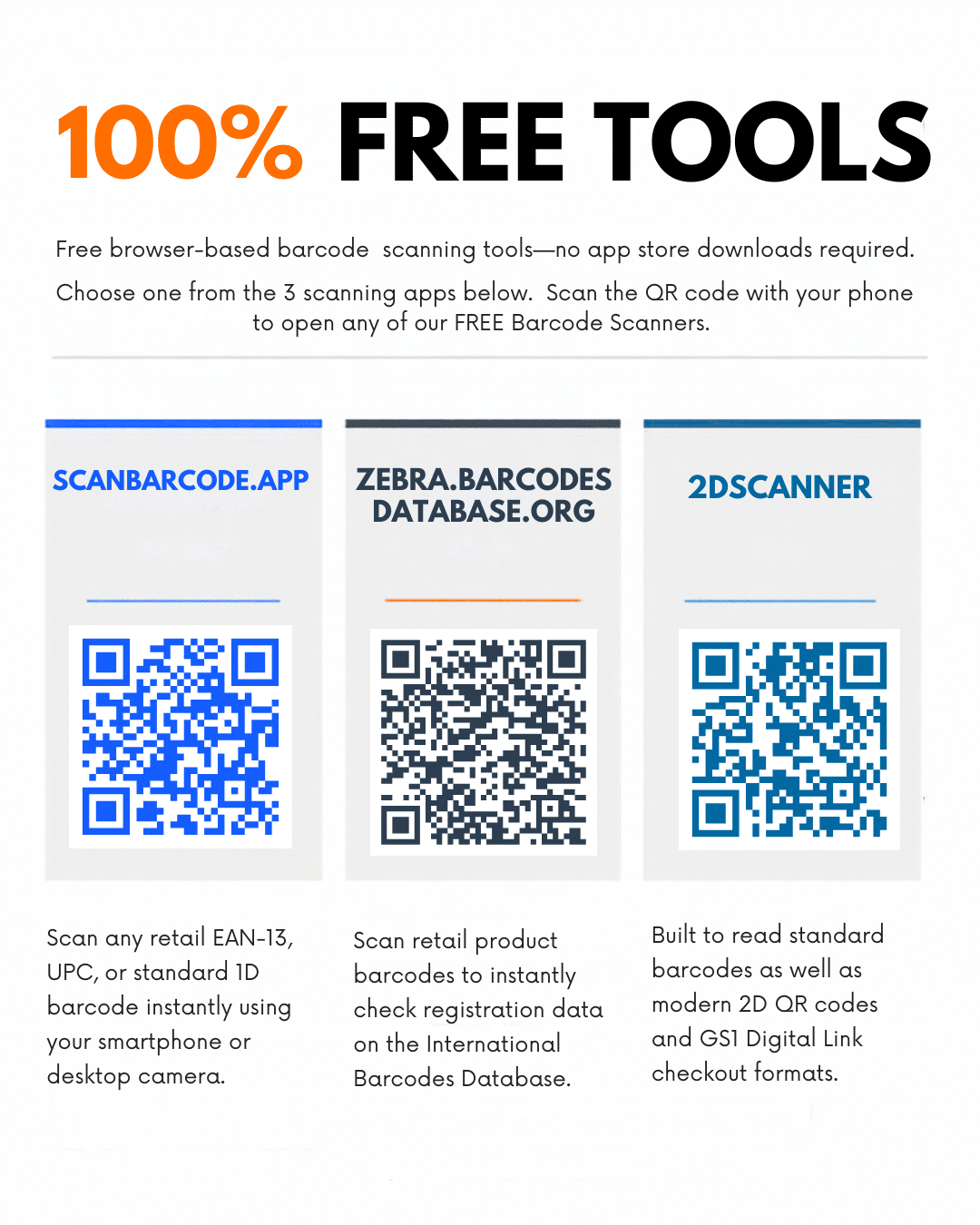
Click image to view full resolution poster
Why doesn’t my product show up when I scan it?
Usually because it isn’t registered yet. That’s normal.
A barcode holds only a number, not a product name or price. Phone apps look that number up online, so if it isn’t listed, there’s nothing to show. How barcodes work.
Registration is optional and free with every retail barcode package from us. Register any time through the Customer Portal. What is barcode registration? Bought your barcodes elsewhere? We can register them for you.
Will my barcode work at a supermarket checkout?
Yes. Registration makes no difference there.
Checkout scanners don’t use the internet. When a retailer first stocks your product, they add its name and price to their own system, and every scan after that finds it. How to use your barcode.
How do I make sure my barcode will scan?
Most problems come from the artwork, not the scanner. Before approving a print run, check:
- Size and white space: no smaller than 80%, with clear margins on each side. Sizes and quiet zones.
- Placement: a flat, smooth area away from folds and edges. On bottles and jars, turn it sideways. Where to put your barcode.
- Colour: dark bars on a light background. No red, orange or yellow bars.
- The number: check it with our GTIN Validator.
Then print a sample and scan it with one of the apps above.
Want certainty before a big print run? Get a Barcode Artwork Test. If a retailer wants proof, we can arrange a Barcode Verification report.
Where to go next
- How do I get a barcode?
- FAQ or contact us. We reply within one business day.
“`